Offline Expense Tracking Tips for Flights, Subways, and Dead Zones
No signal shouldn’t mean no records. Practical offline expense tracking habits for travel days and daily commutes.
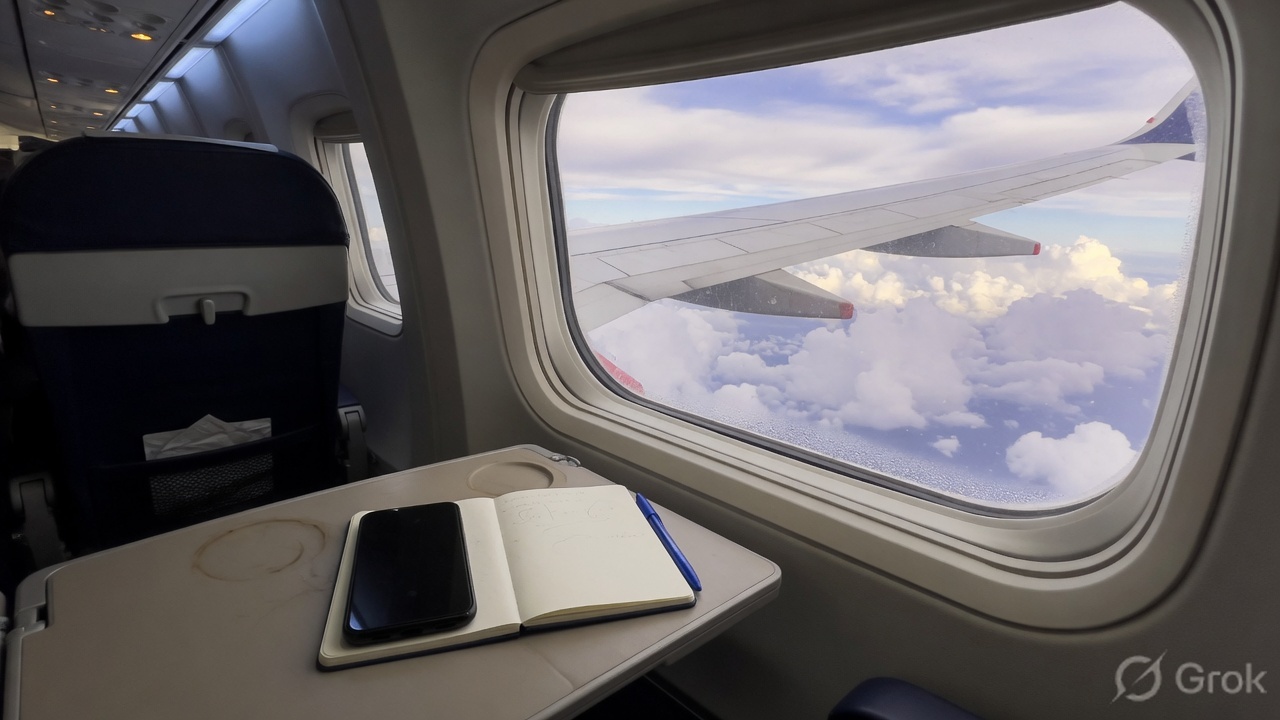
Always-online apps forget sandwiches in tunnels, planes, basements, and roaming-off days. If logging requires a spinner, you will skip the expense and tell yourself you will remember. You will not.
Prove offline before a real trip: airplane mode, force-quit, reopen, add an expense, then sync on Wi-Fi. Local drafts and on-device photos beat hopeful cloud dependency.
An offline menu

- A local draft that saves without a network.
- An on-device photo you can attach later.
- A same-day memo if the UI is too slow.
- Paper only if you will transcribe tonight.
Subway rule: log before you open social media when signal dies and the total is still warm. On Wi-Fi, finish sync before you juggle devices so you do not create duplicate coffees.
Never postpone the large ones
Do not wait on large cash, hotel deposits, or group dinners, even if the merchant string is messy. A wrong merchant you can edit is better than a blank day.
Agree who captures what on a shared offline trip before boarding. Carry a three-line paper fallback for a dead battery and transcribe when you charge.
Design for dead zones, not demos
If your everyday commute includes tunnels, treat offline as a daily feature, not a travel extra. The tool that only works in the office is the tool you will abandon on Thursday.
Tool choice is secondary to trustworthy totals. TrackMyExpense is one option when you want receipt OCR and tracking without a bank link. Use whatever still records when the bars disappear.
More guides on spending, budgets, and habits live on the TrackMyExpense blog. Exploring apps? See the expense tracker app, receipt scanner, or home page.