How to Choose an Expense Tracker App in 2026
A practical checklist: capture methods, offline use, privacy, budgets, export, and pricing, so you pick tools you’ll keep.

Month-four open rates beat launch feature matrices. The app you still open on a messy Tuesday is the winner, not the one with the longest comparison table. Run a 48-hour lab on every candidate, including ones you already like.
Match capture to your life: bank sync versus manual, OCR, and voice; offline and multi-currency if you travel. Enough reporting to decide, not infinite unread charts. Privacy plus a portable export. Reject hostage data.
The 48-hour lab
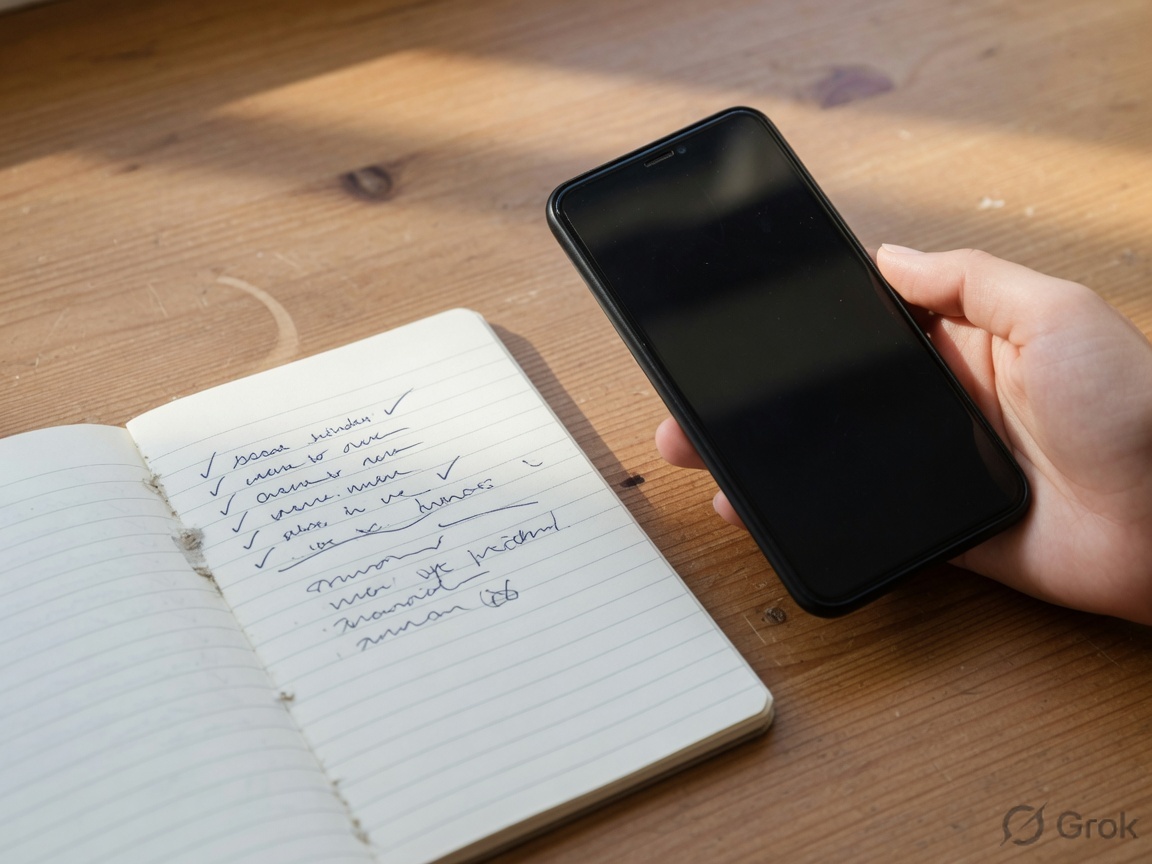
- Log real purchases.
- Scan a messy receipt and fix it.
- Add something offline, then sync.
- Export a file you can open elsewhere.
- Read pricing as a tired person.
After seven real days, keep the cheapest path that still produces trustworthy totals. Ignore scorecards that never touched your Tuesday. Run the same lab on every candidate, including TrackMyExpense.
If you want software built around fast capture, receipt photos, voice entry, and offline logging, TrackMyExpense is designed for that on iOS and Android. Keep any tool that protects the habit.
More guides on spending, budgets, and habits live on the TrackMyExpense blog. Exploring apps? See the expense tracker app, receipt scanner, or home page.